Add New Meal
Draft recovery is local to this browser.
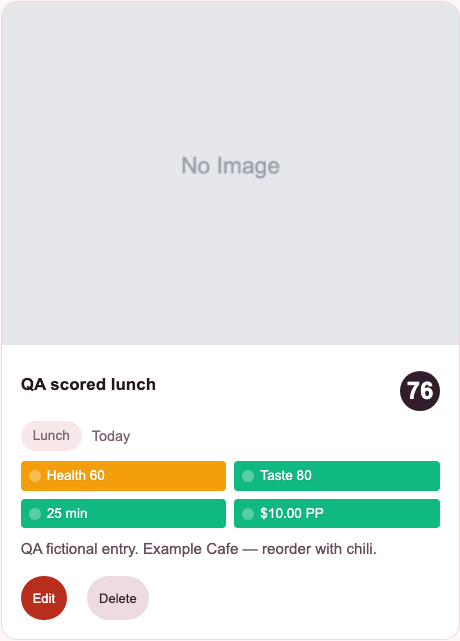
Score meals by taste, health, and cost — then remember what was actually worth eating again.
With Google: open the meal history for that account in the browser app. Signing in does not import guest meals from this browser.
Without an account: meals stay in this browser and can survive a normal reload. They do not sync to another browser or device. Clearing site data can remove them.
To return to guest meals, choose this option again in the same browser. If signed in, sign out first. Keep a separate copy of any notes you need to preserve.
Google sync applies only to this browser app. The iPhone app is separate and keeps its own local-first meal history.
See how to save your first meal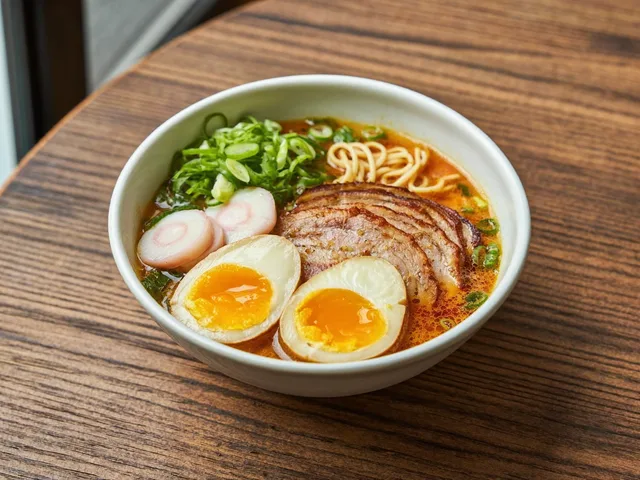
Start with a meal you actually ate. A photo is optional; a name and a useful note can be enough to remember what to order again.
Check it before you leave: find your saved card under Your Meals. On a later visit in this browser, choose guest mode again to return to guest history. Clearing site data can remove it; keep a separate copy of notes you need to preserve.
Need an example to write from? Use the restaurant meal-note guide and downloadable template. For scoring details, see how the meal score works.
Back to the guest-mode button