
How to Keep Track of Restaurant Meals You Actually Want Again
To keep track of restaurant meals, save the restaurant and dish name, one detail you noticed, and whether you would order it again. A photo can help, but a short searchable note gives the picture context. Use the same record when you next open the menu.
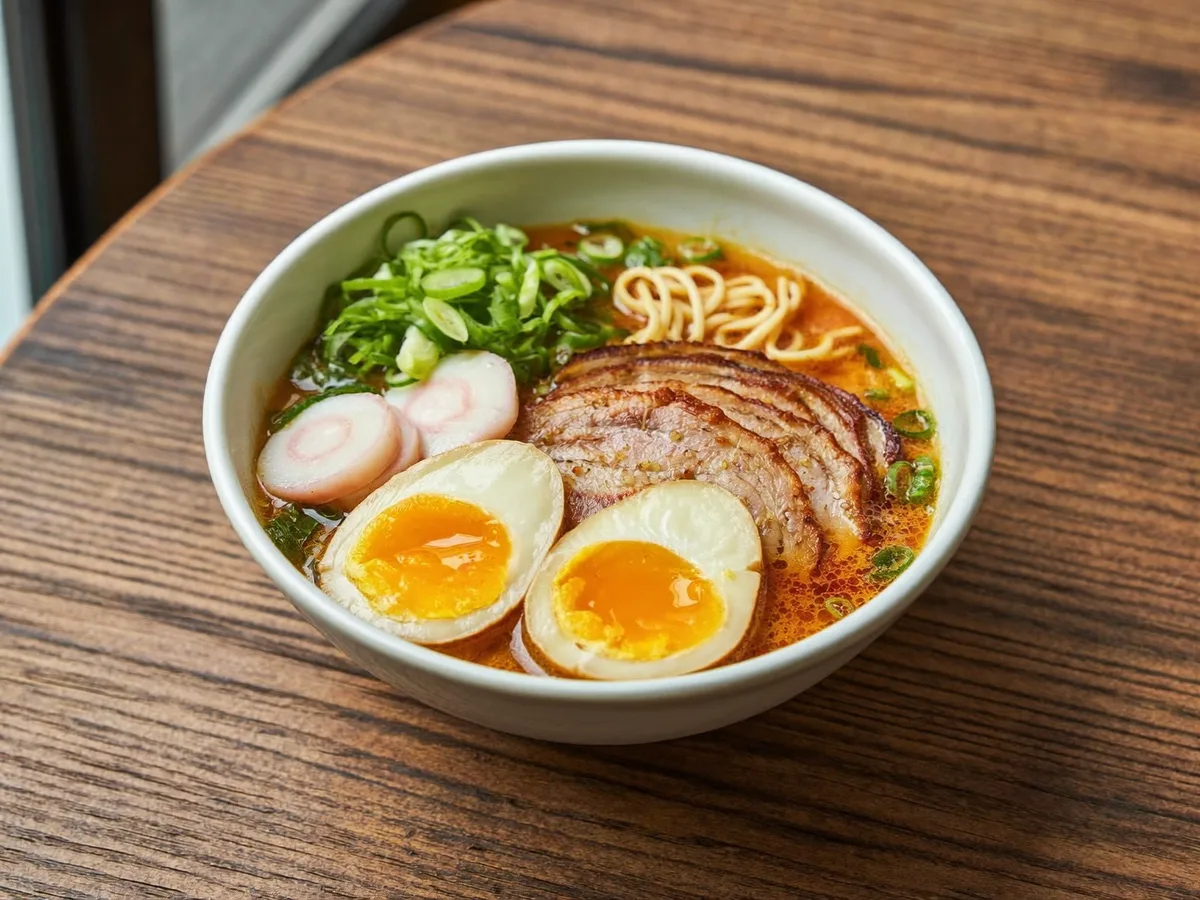
Copy this restaurant meal-note template
Use this in a notebook, notes app or spreadsheet. These are suggested record labels, not a claim that every app provides matching fields.
- Restaurant and visit date:
- Dish name as written on the menu:
- One detail I noticed:
- Would I order it again?
- What I would change next time:
- Optional: personal rating, price, photo and relevant circumstances.
Download the meal-note template (.txt)
The download is a blank plain-text file you can edit in a notes app. If it opens instead of downloading, save the file or copy its text. You can also open the plain-text template or copy the labels above. Nothing is submitted to Dishrated.
If you want the shortest version, keep the restaurant, dish name and one sentence about your next order. Add a rating only if it helps you. Use a consistent personal rating scale and keep a reason beside the number.
Where these notes go in Dishrated
The template works on its own. If you choose Dishrated, use these actual browser form labels. There is no separate restaurant field or visit-date field in the current form; keep those details in your note.
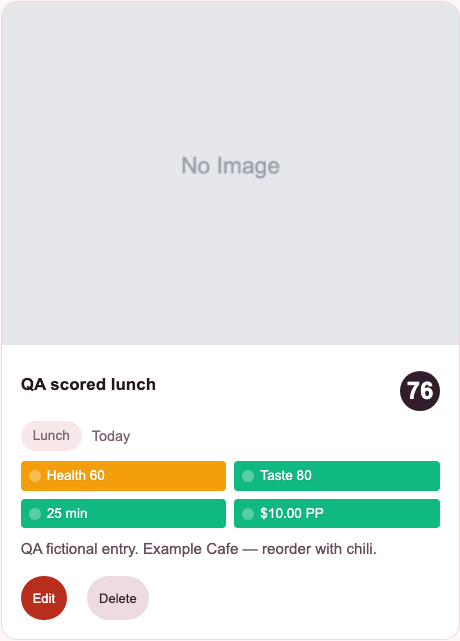
- Dish name → “Dish Name”
- Use the menu's name. The screenshot's “QA scored lunch” is a test label; your own entry should name your dish.
- Restaurant and visit date → “Notes (optional)”
- For example: “Example Cafe, October 22, 2026.” You may also add the restaurant under “Helpful tags”. The card's “Today” label is not a substitute for recording an older visit date yourself.
- Observation and next-order decision → “Notes (optional)”
- Keep the detail, whether you would order it again and any change together. The fictional screenshot note says “Example Cafe — reorder with chili.”
- Optional rating, price and photo → the matching fields
- Use “Taste (0-100)” for your preference, “Cost Per Person ($)” for price and the photo upload for an optional picture. Keep any custom rating scale in Notes rather than assuming it matches Dishrated's final score.
Field labels checked October 22, 2026. Guest records stay in this browser; clearing site data can remove them. Browser and iPhone histories are separate. Review the scoring explanation if you use the app's scores.
A four-step habit
- Name the dish. Save the menu name, restaurant and visit date.
- Rate it if useful. Use a consistent personal rating scale.
- Write one reason. Keep a specific observation and your next-order decision beside the name.
- Look up the note. Before ordering again, read what you thought at the time. A personal note records a past preference; it does not predict what you will like or replace public reviews of an unfamiliar restaurant.
Example: two dishes, two different decisions
The meal and reactions below are fictional. They illustrate a personal note, not a review of an actual restaurant.
Visit: A neighborhood bistro, Friday dinner. In your own record, add the actual restaurant name and visit date.
Dish: Roasted mushroom noodles.
One detail: Noodles with a little bite; a savory sauce and a sharp pickled garnish.
Order again: Yes, as a main. Split it when sharing several plates.
Change next time: Add a fresher side; the last few bites felt heavy.
Photo context: Taken before mixing in the garnish.
Now give the dessert its own entry:
Dish: Lemon tart.
One detail: Bright filling, but pastry softer than I prefer.
Order again: Probably not; try another dessert.
A single “great dinner” note would hide the difference. Separate entries let you remember a favorite even when another dish at the same restaurant disappointed you.
Record circumstances when they explain your reaction. “Soft when I ate it” is an observation. “Cooked hours earlier” is a guess unless you know that happened. “Enough for my lunch” also says more about your experience than declaring a portion universally large.
Before your next order, search the restaurant or dish and read the decision line. You might repeat the noodles, share them or choose another dessert. The note has done its job when you can recognize the dish and explain your choice.
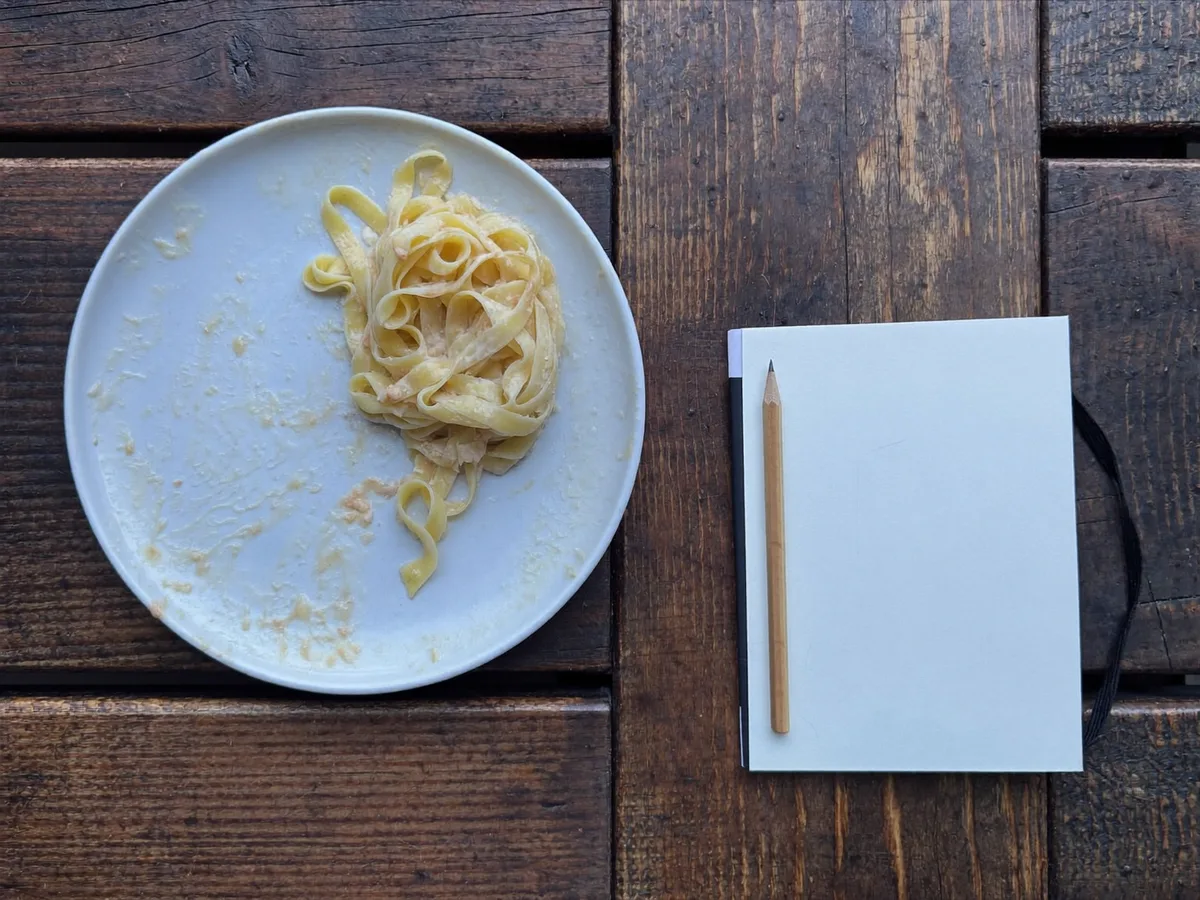
Choose a system you will reopen
A notes app, spreadsheet, or dedicated meal tracker can all work. See a meal tracker example for remembering what to order again, including a filled record and a simple record, compare and repeat routine. Use what makes it easy to add an entry and find it later. If you keep forgetting restaurant orders, organize by dish and include the restaurant in a note or tag. If you revisit a few places often, grouping by restaurant may suit you better.
Dishrated’s browser app lets you add a dish name, optional tags and photo, your taste and health scores, time, cost per person, occasion, and notes. You can use guest mode to start without an account. The app can suggest estimates from the details you provide; check and edit them before saving. The photo does not get analyzed. Browser and iPhone meal histories are separate, and iPhone access is available by beta request.
Start with the next dish you try
See how Dishrated works as a food rating app, then open it in your browser to make a personal meal record.
Rate a dish in your browser